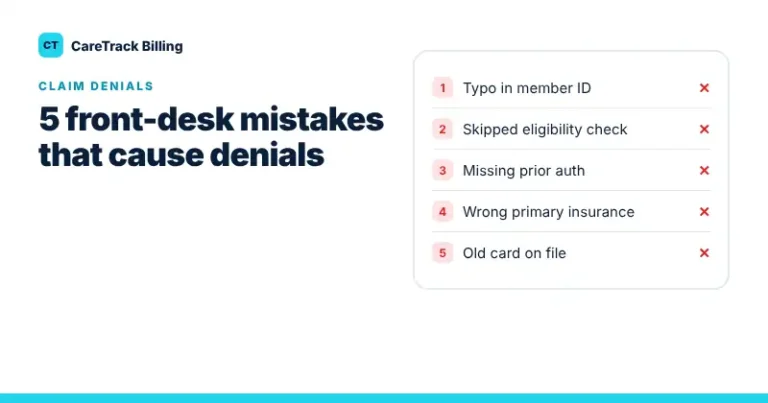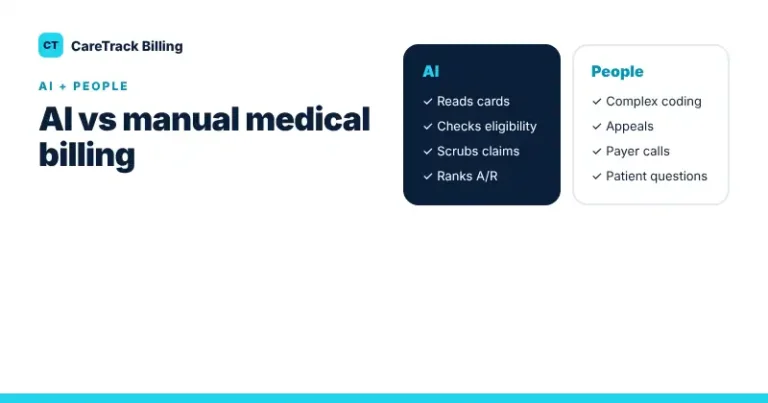
A single wrong digit in a member ID can get a clean, correctly coded claim rejected. Most of these mistakes happen at the front desk, when busy staff copy insurance details from a card into the EHR by hand. AI insurance card scanning removes most of that typing.
What Gets Captured
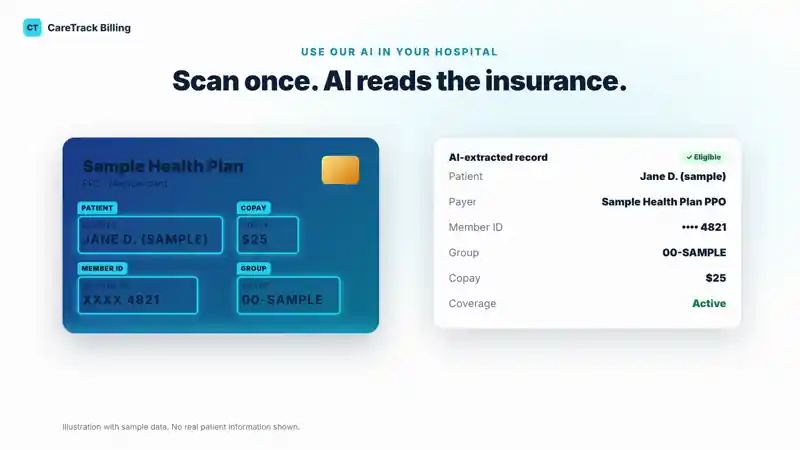
- Payer and plan type (for example PPO or HMO)
- Member ID and group number
- Subscriber name
- Copay amounts printed on the card
- Payer phone numbers and claims address
How It Works at Check-In
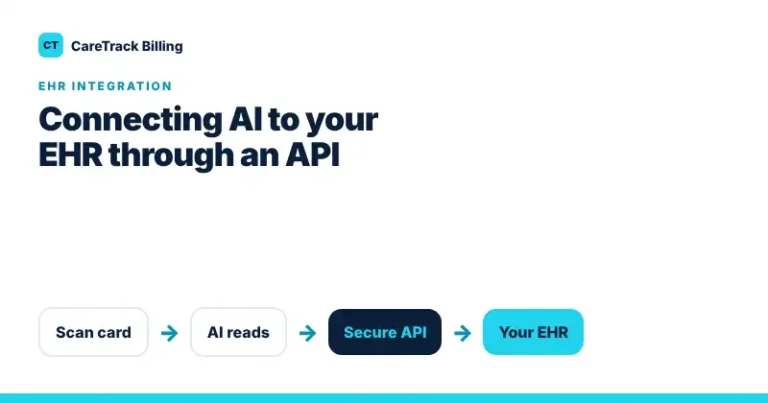
- Scan: the front desk scans or photographs the front and back of the card.
- Read: AI finds each field and turns it into structured data.
- Review: staff confirm the fields on screen. Anything the AI is unsure about is highlighted.
- Verify: coverage is checked with the payer before the visit.
- Sync: the confirmed record goes to your EHR, so nobody types it twice.
Why It Matters for Your Revenue
Registration and eligibility errors are one of the most common reasons claims come back. They are also some of the easiest to prevent, because the fix happens at check-in. Fewer errors at the front desk means fewer rejections, fewer resubmissions and faster payment.
What to Look For in a Scanning Tool
- A human review step before data is saved
- Eligibility verification right after the scan
- A connection to your EHR, not another system to log into
- HIPAA-compliant handling and a signed BAA
Want to see how this fits your front desk? Book a free demo or request a free billing audit.